
Chapter 1 · 1.1
What is WebOké and what can you arrange with us?
WebOké is an independent European hosting provider, established in 2004. With us, you can arrange everything you need to be online: a domain name, hosting for your website, email on your own domain and cloud storage. Our servers are located in Dutch data centres and run on green power.
This manual explains, step by step, how to order something on our website and how to then arrange everything in your customer area, My WebOké.

On the homepage, you'll immediately see the main products (1). On the right, you can get started straight away (2): with Create a site with AI you get a website built for you, with Search a domain you check whether your domain name is still available, and with Move your domain you transfer a domain to WebOké.
What you can arrange with us
| Product | What it's for |
|---|---|
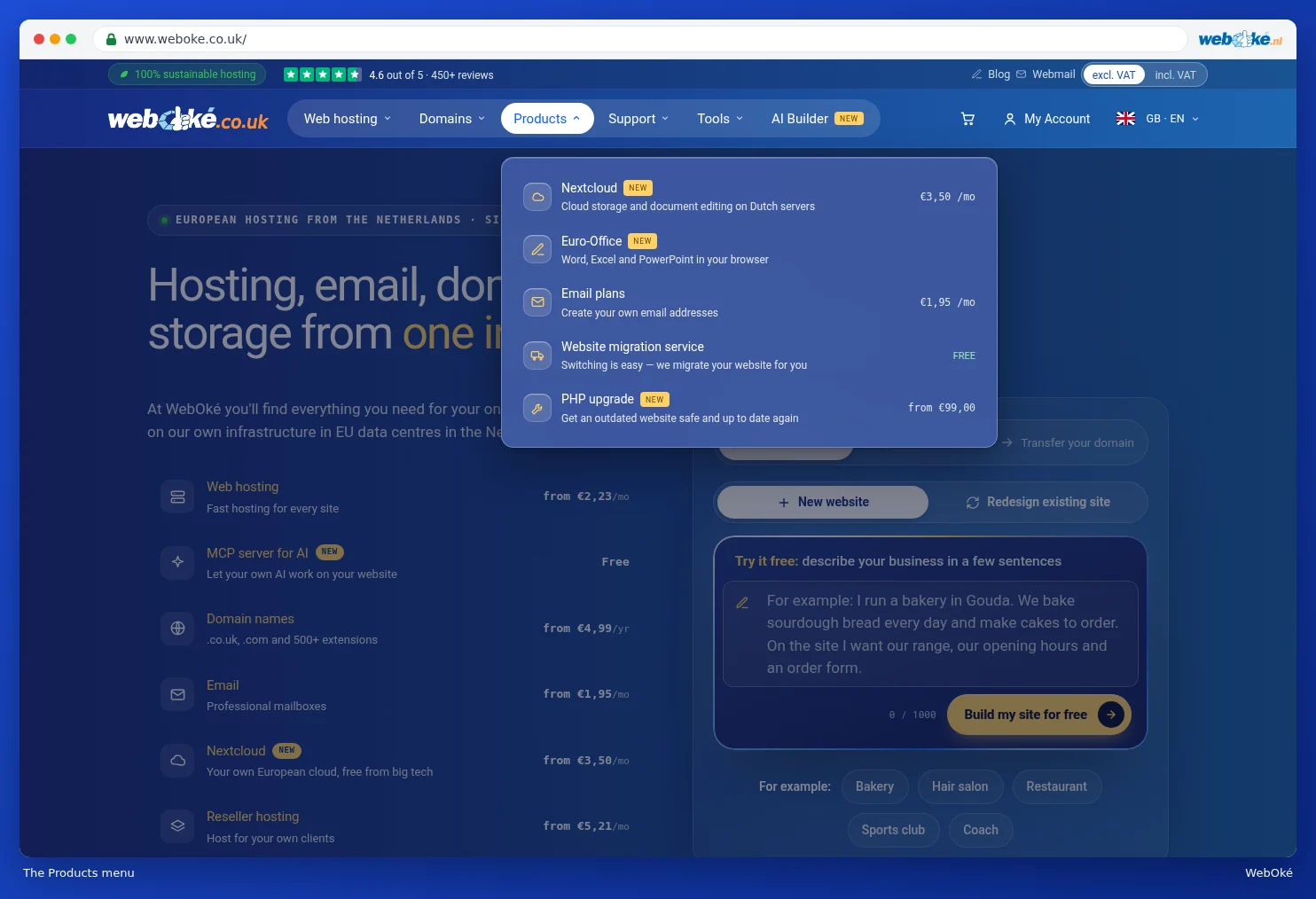
| Web hosting | Space for your website, with email on your own domain. You manage your plan in DirectAdmin and install WordPress and other software in just a few clicks. |
| Domain names | Register your own domain name, with .nl, .com and more than 500 other extensions. Or move your existing domain to us. |
| Email plans | Email on your own domain only, without a website. On the site, this is also called Email Only hosting. |
| Nextcloud | Your own European cloud for files, calendar and contacts, with Euro-Office to work together on documents. |
| AI Builder | Have a website built by AI. You describe your business in a few sentences and get a complete site. |
| MCP server for AI | Let your own AI, such as Claude, ChatGPT or Mistral, work on your website. |
| Reseller hosting | Hosting that you resell to your own customers. |
| Website migration service | We move your existing website and email to WebOké. |
| PHP upgrade | We make an outdated website secure and up to date again. |
You'll find all products in the menu at the top of the site, under Web hosting, Domains and Products. You can read how the menu works in The website: menu, countries and languages, prices with or without VAT.
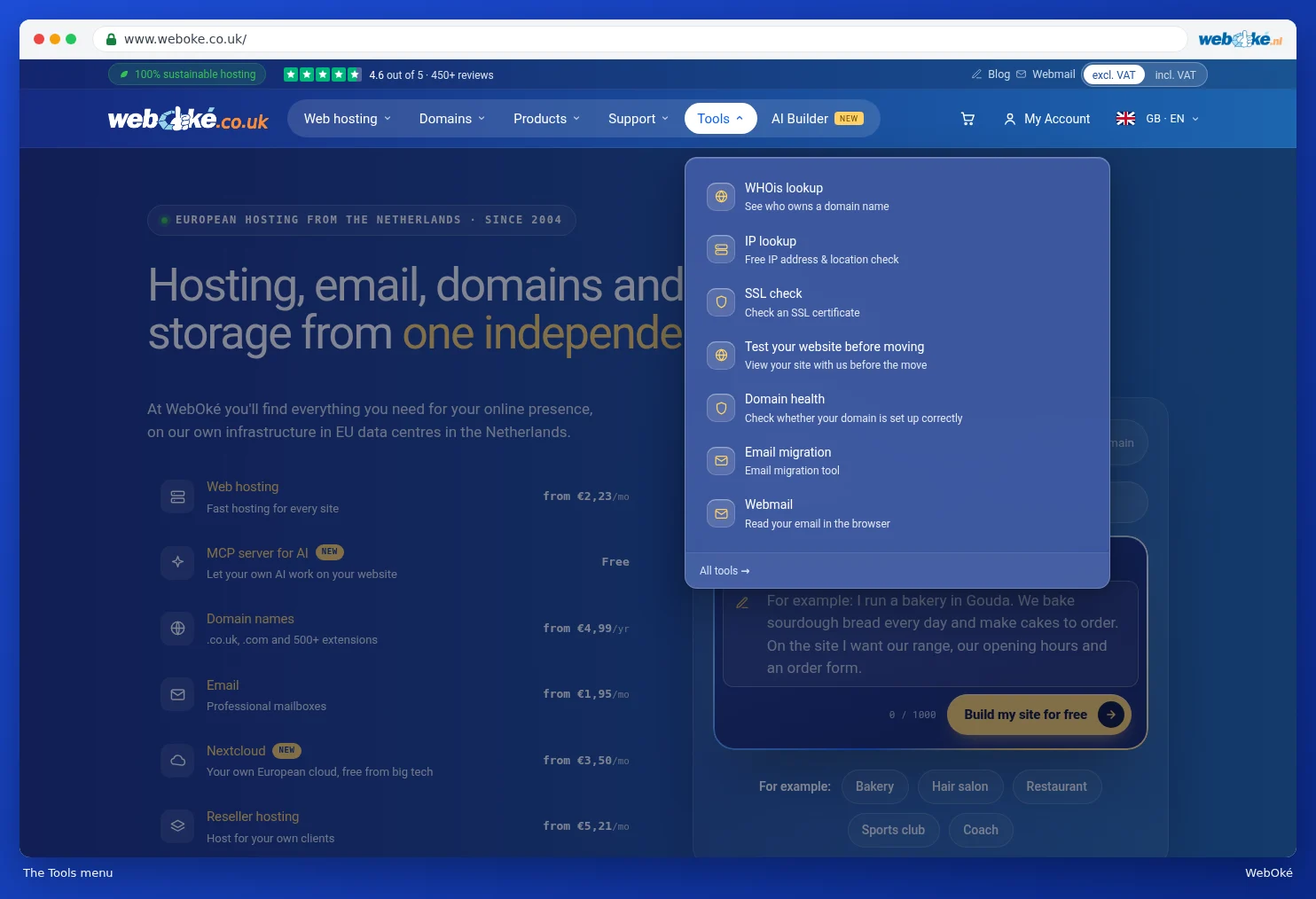
Handy tools
Under Tools, you'll find free tools that you can also use without an account. With WHOis lookup, you can see who owns a domain name, with Domain health you check whether your domain is set up correctly, and with Test your website before moving you can view your site with us before you switch. You can read more about this in chapter 14, for example Domain health (also without an account).
My WebOké
As soon as you order something from us, you get an account for My WebOké. There, you manage your products, domains, invoices and details, and request help from support. You can read a tour of My WebOké in My WebOké at a glance. How to place an order is explained in chapter 2, starting with Finding and choosing a domain name.
Tip: not sure which product suits you? Ask your question to the AI assistant in the bottom right of the site, or use the selection tool on the Web hosting page. See Getting help: AI assistant, knowledge base, explainer videos, support and WhatsApp.